Overview
Product Lookfox
A native macOS menu bar app that brings quick-capture research into a product team’s daily work, turning a spontaneous insight into a structured clip in Lookback in seconds.
Problem Lost insights
Everyday observations from dogfooding, bug encounters and quick feedback got lost in Slack threads or were never written down. A full Lookback session was too heavy for a passing moment.
Solution Capture from the menu bar
Select an area, record, add a title, and the clip lands in a Lookback project. No editing, an optional description, and native macOS patterns throughout.
Result A working prototype
An installable .dmg in six weeks that ran the full flow. Leadership later deprioritized Lookfox for market timing, deciding on evidence rather than a slide.
Impact
- From concept to a working prototype
- 6weeks
- To log an insight, down from 5 minutes
- 15seconds
- People: one designer, one engineer
- 2
* Some details are vague to protect the client’s intellectual property under a non-disclosure agreement, and some design elements differ from the original.
Project details
- Role
- Sole Product Designer
- Timeframe
- Link
- Visit Lookback
- Collaborators
- 1 Product Engineer · Product Leadership
- Design Toolkit

Figma · Apple's Human Interface Guidelines · Whimsical
- Key Skills
- 0-to-1 Product Design
- macOS Native App
- Rapid Prototyping
- Competitive Analysis
Context
Lookback’s product teams had no home for spontaneous insights. The main platform was built for formal research studies.
Everyday observations from dogfooding, bug encounters and quick feedback were lost in Slack threads or never written down at all.
Teams needed something faster than a full Lookback session, yet more structured and easier to find than a screenshot or a Loom video.
Goals
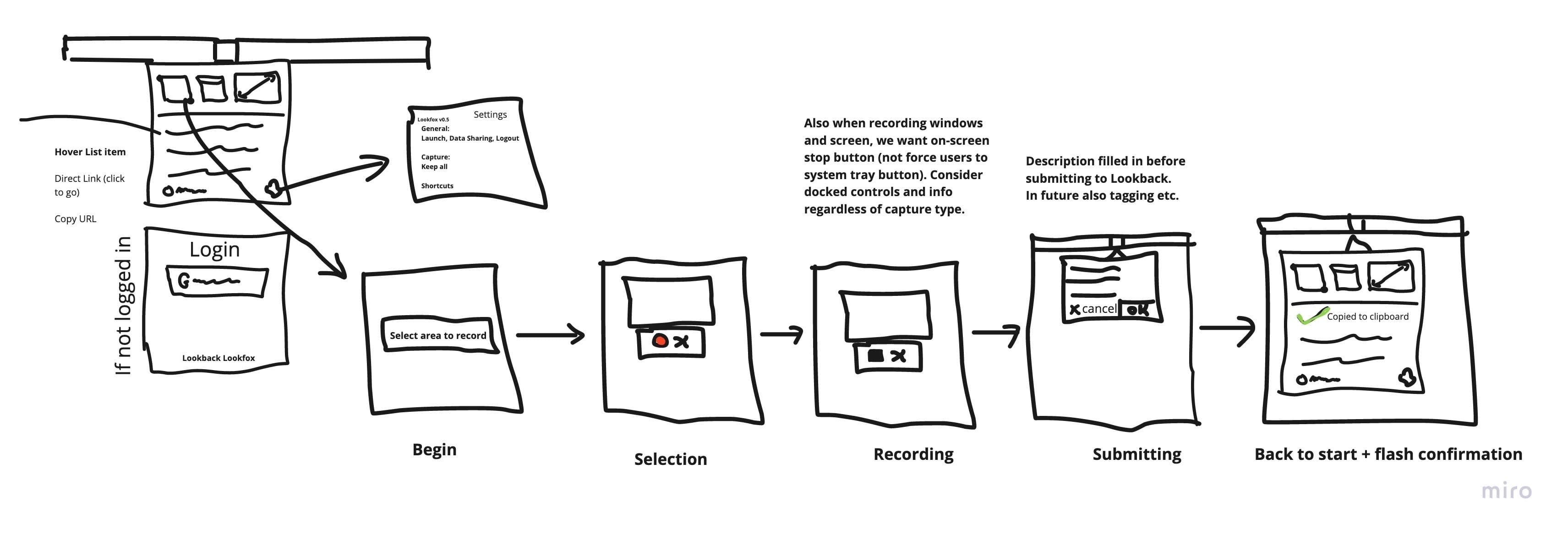
Combine the speed of a capture tool like Gifox with the structured repository of a research platform like Lookback.
Faster than a session. Capture in seconds, from any app, without opening anything.
Easier to find than a screenshot. Every clip lands in a Lookback project, where research already lives.
Native to the Mac. System components and patterns Mac users already know.
Process and key insights
I audited our two parent products, reviewed the competition and rebuilt the design around Apple’s guidelines, side by side with our engineer.
Deconstructing the market. Gifox brought menu-bar speed and Lookback brought structured analysis. A review of Jam.dev, Loom and CleanShot X pointed to the gap: a tool built for structured, continuous discovery.
Designing for macOS. My first, web-style designs felt foreign on a Mac, so I redesigned the popovers, menus and permissions flow around the Human Interface Guidelines.
Solving the critical path. With our engineer, I worked through the two hardest parts: a permissions flow that explains why each one is needed, and a selection overlay that shows live dimensions without covering what you record.




Solution
Lookfox, a menu bar app that turns a moment of friction into a research clip in about fifteen seconds.

Design 1/4
Menu bar first
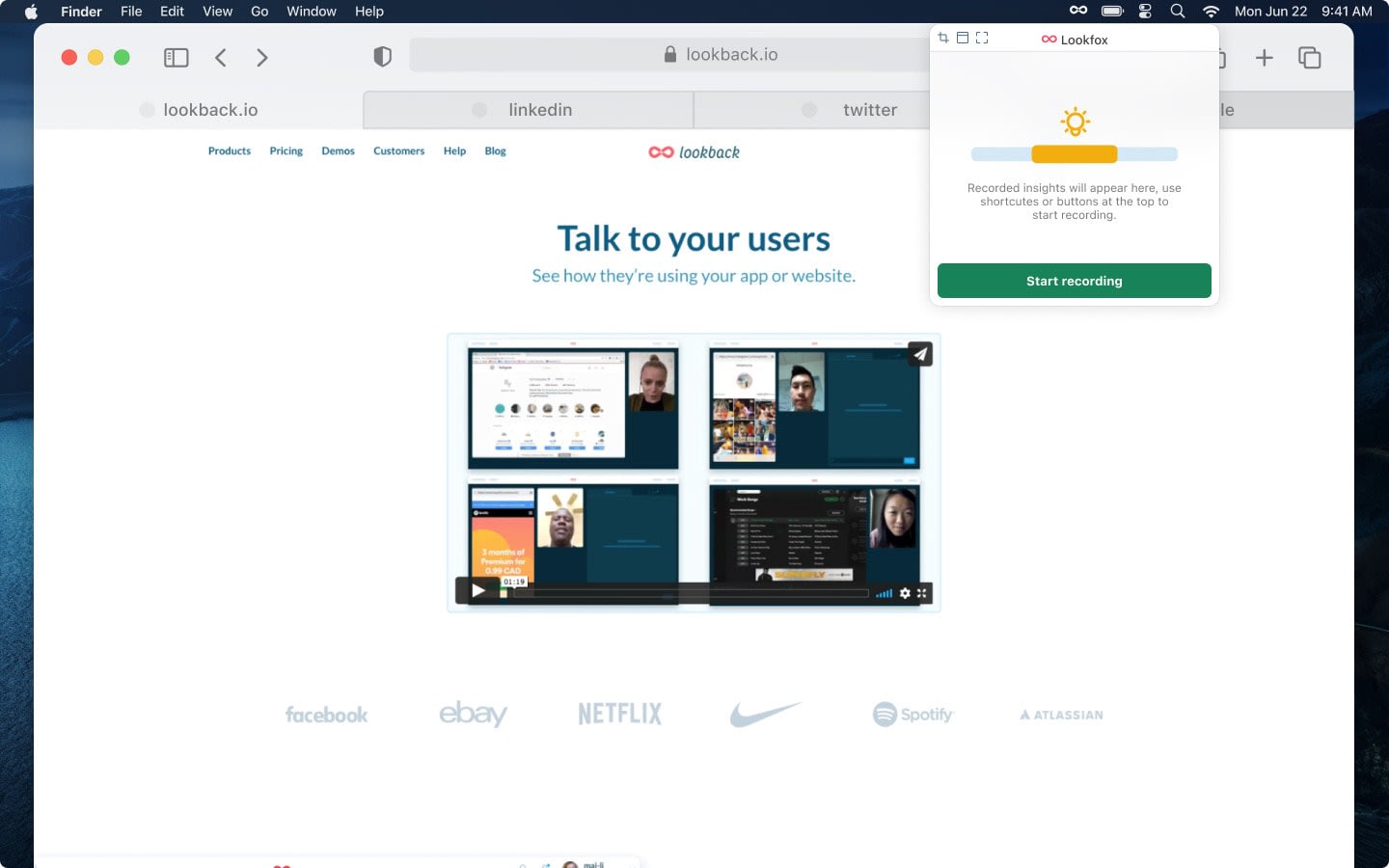
One click from any app
Lookfox lives only in the menu bar. Capture is always one click away, which matches the “quick utility” mental model and removes the cost of opening a full application.
Design 2/4
Frictionless upload
Only a title is required
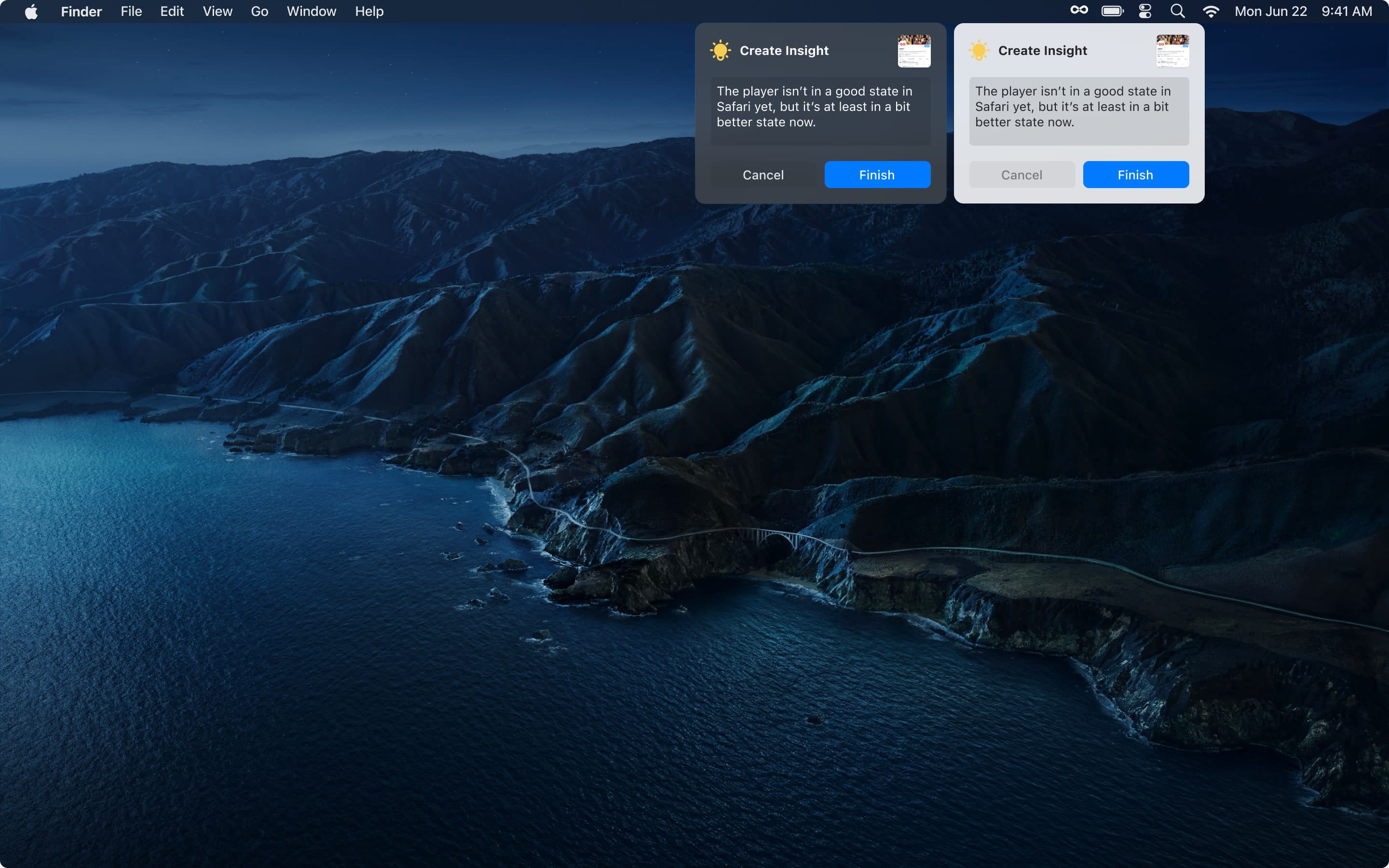
To beat “I’ll upload it later”, a recording goes straight into a Lookback project and the description is optional. Logging an insight went from a five-minute chore to about fifteen seconds.
Design 3/4
No editing
Raw moments over polish
We left out trimming and editing on purpose, to keep raw, honest moments of friction or discovery. Anything that needed polish could be edited later in Lookback.

Design 4/4
A small library
Recent captures, close at hand
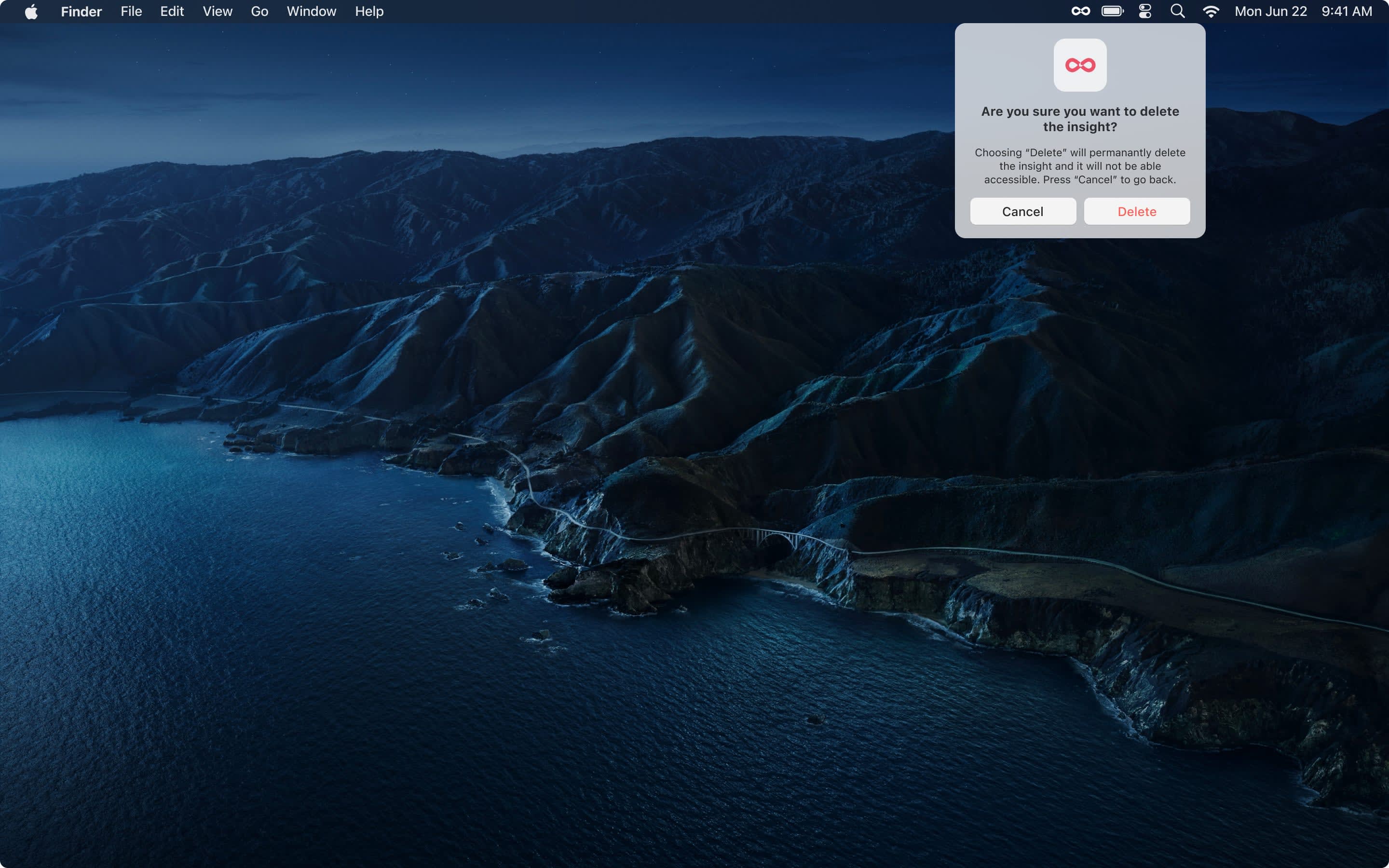
A simple library keeps recent captures one click away, with a confirmation before anything is deleted.

Onboarding
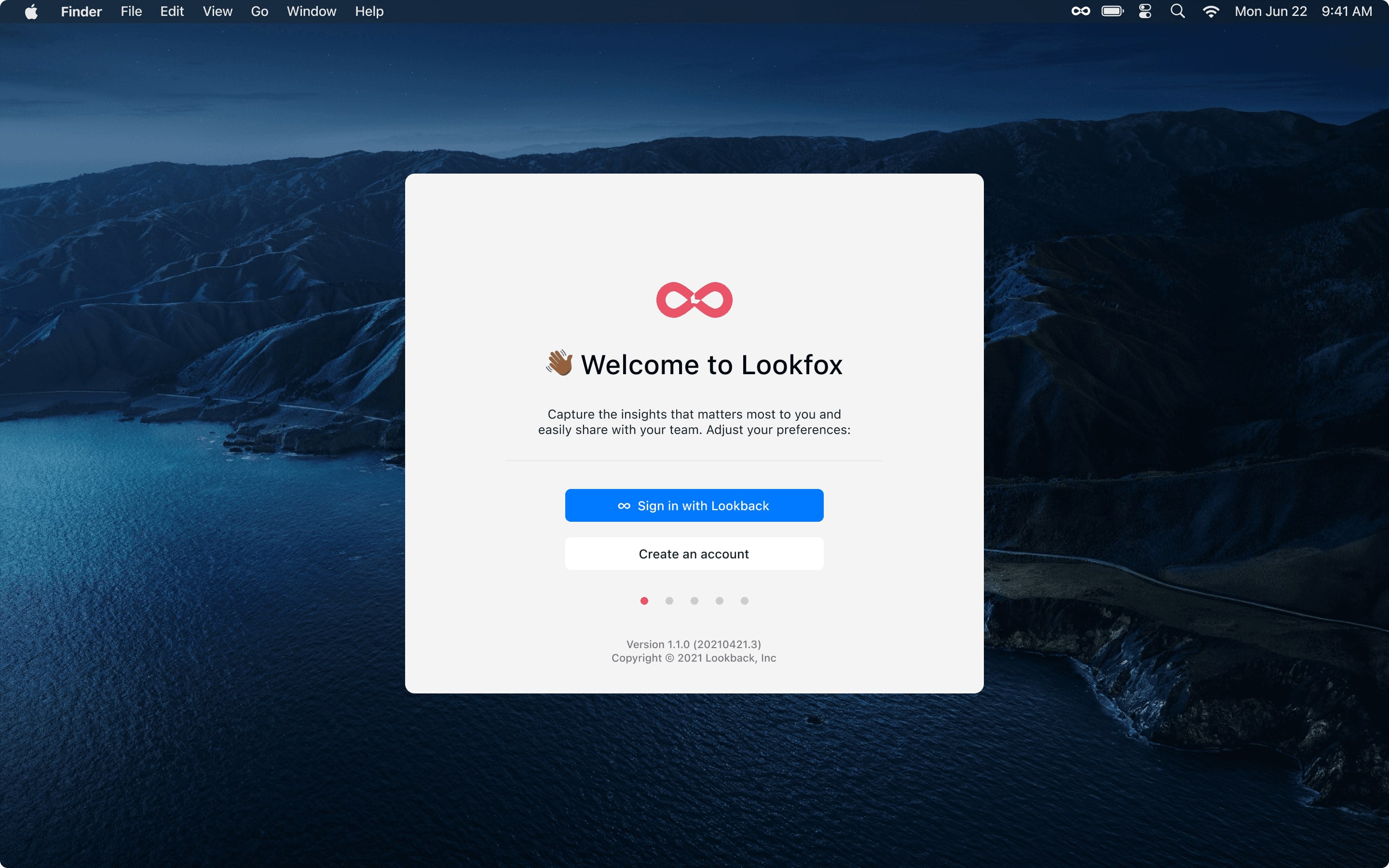
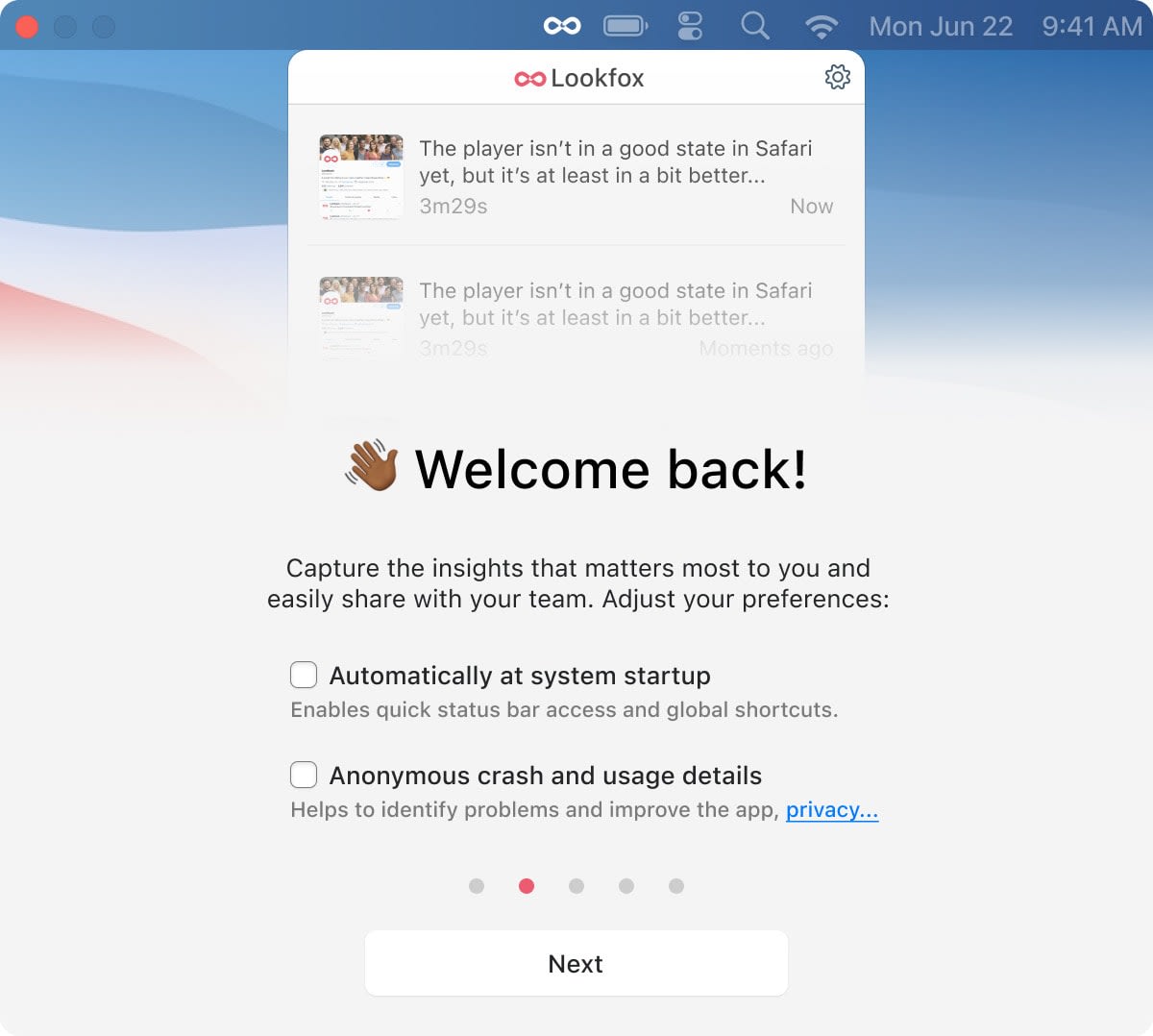
A menu bar app that records the screen asks for a lot of trust, so every step says why.
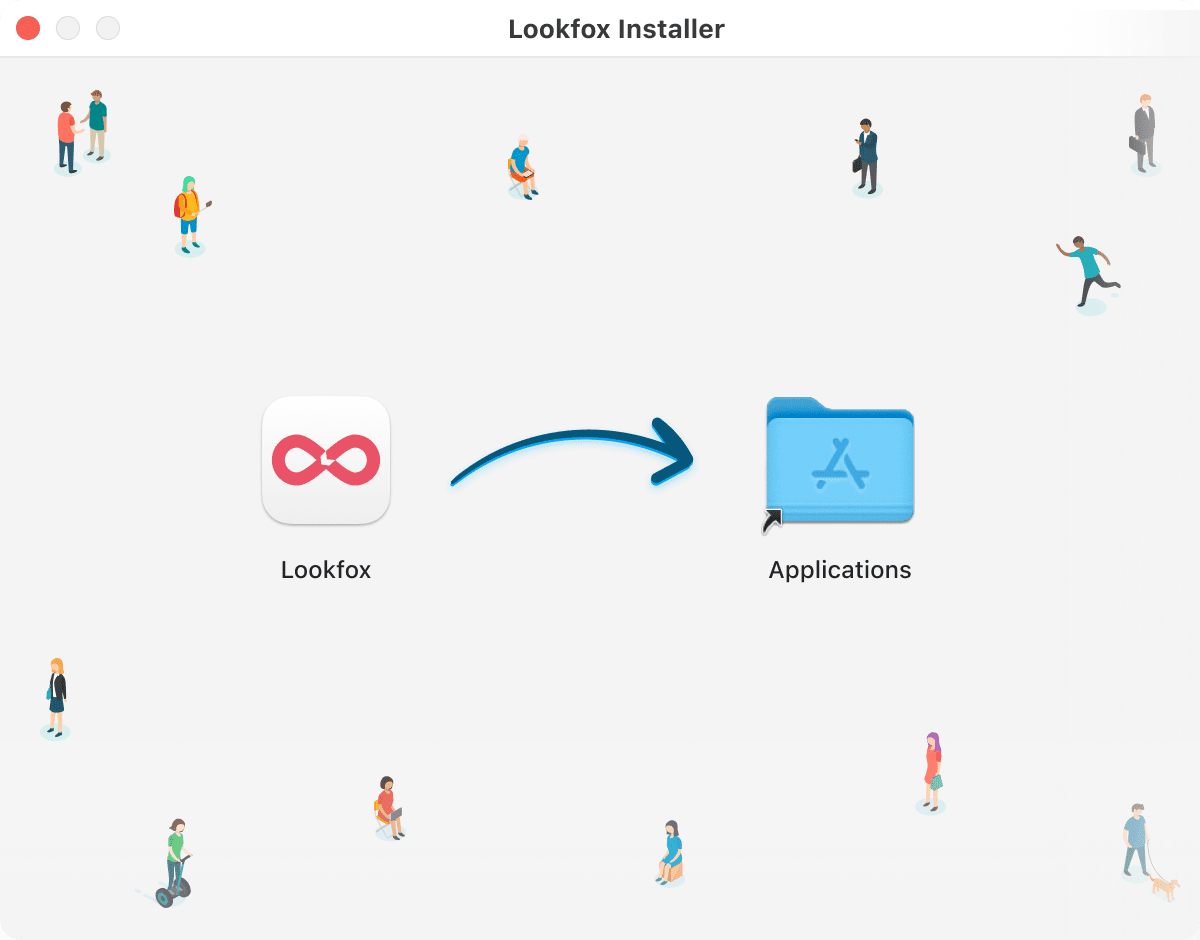
Four steps, from install to the first capture. Select any screen to zoom in.
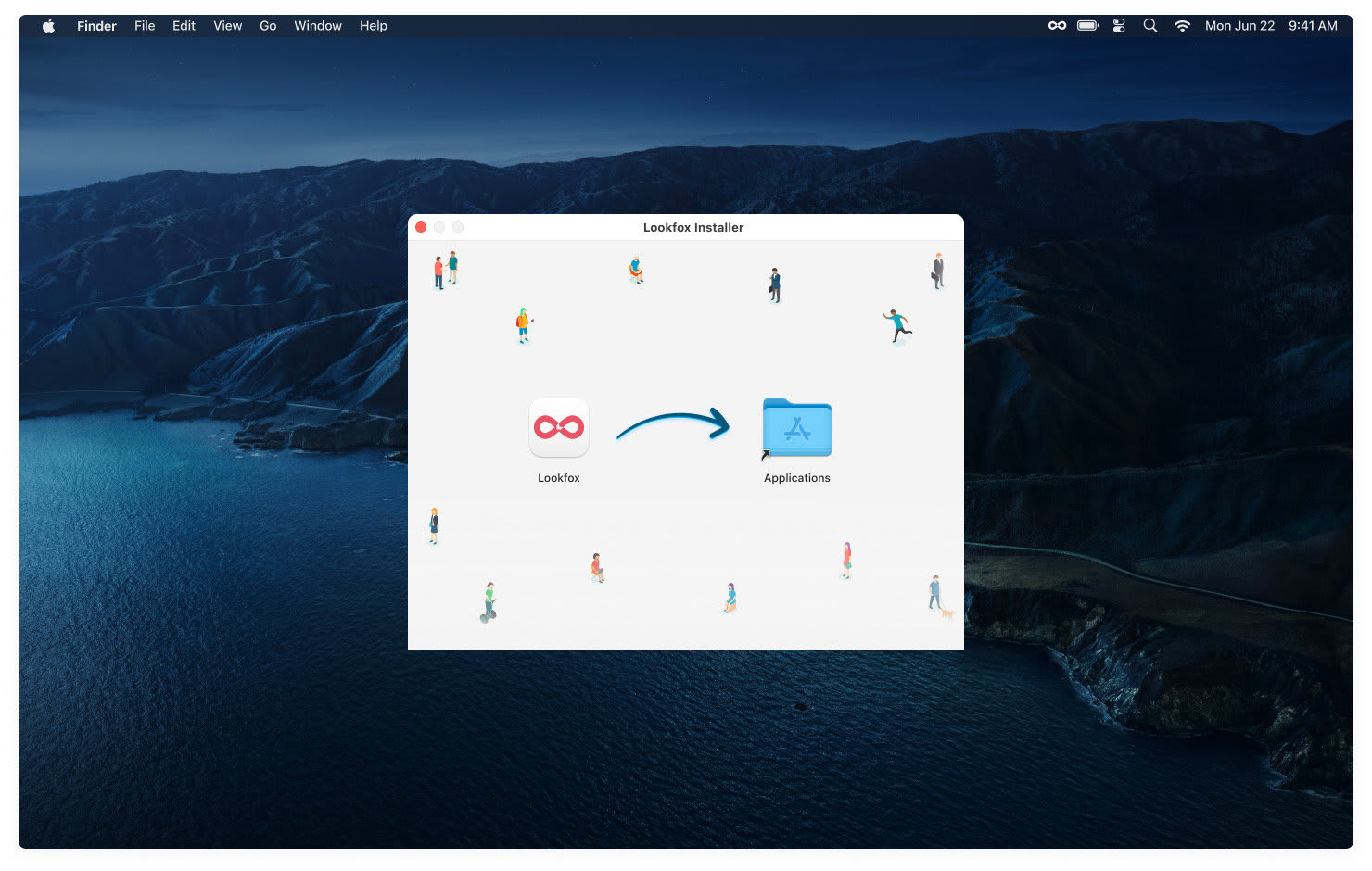
Drag to Applications 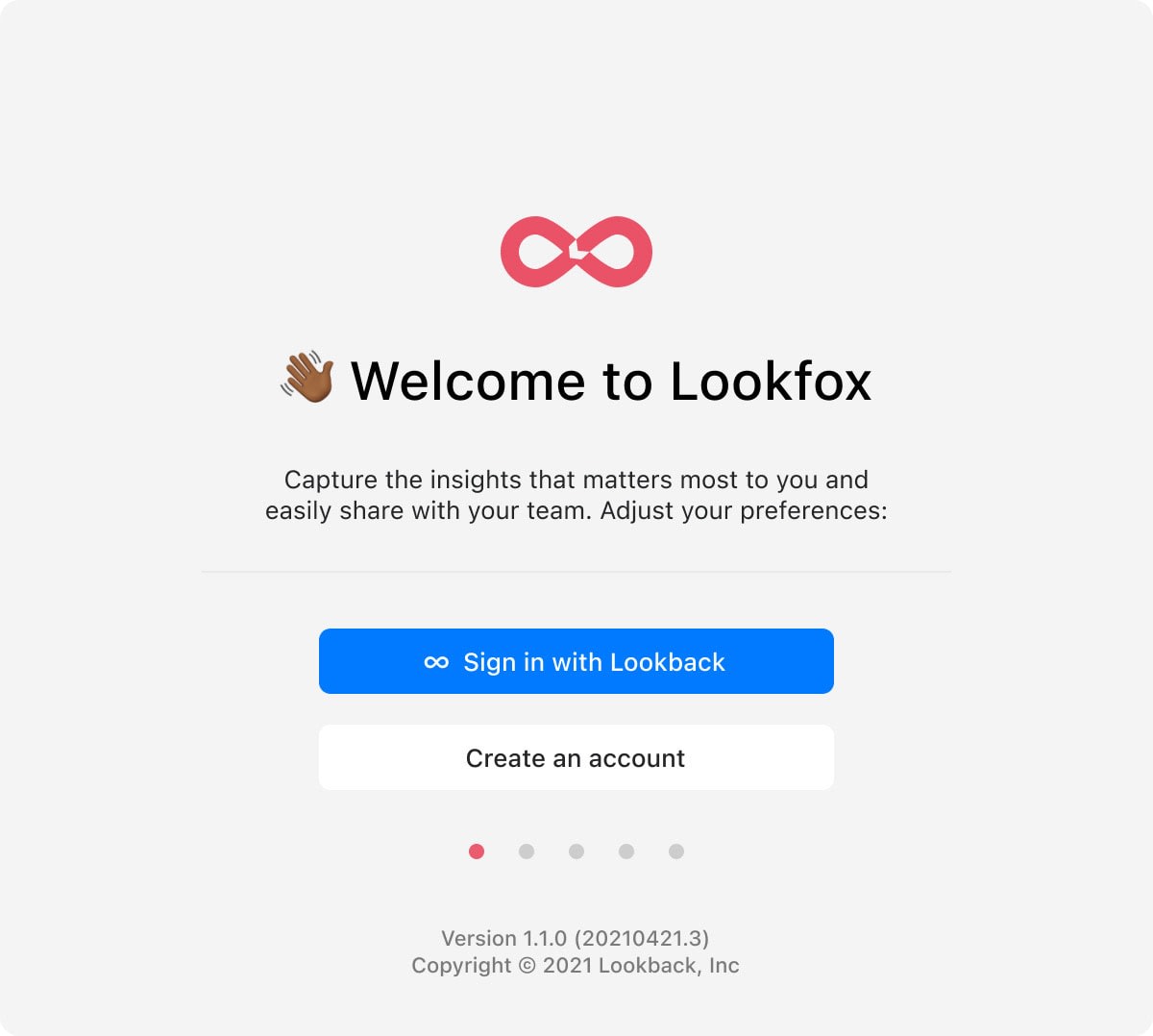
Sign in with Lookback 
Grant permissions, with the reason for each 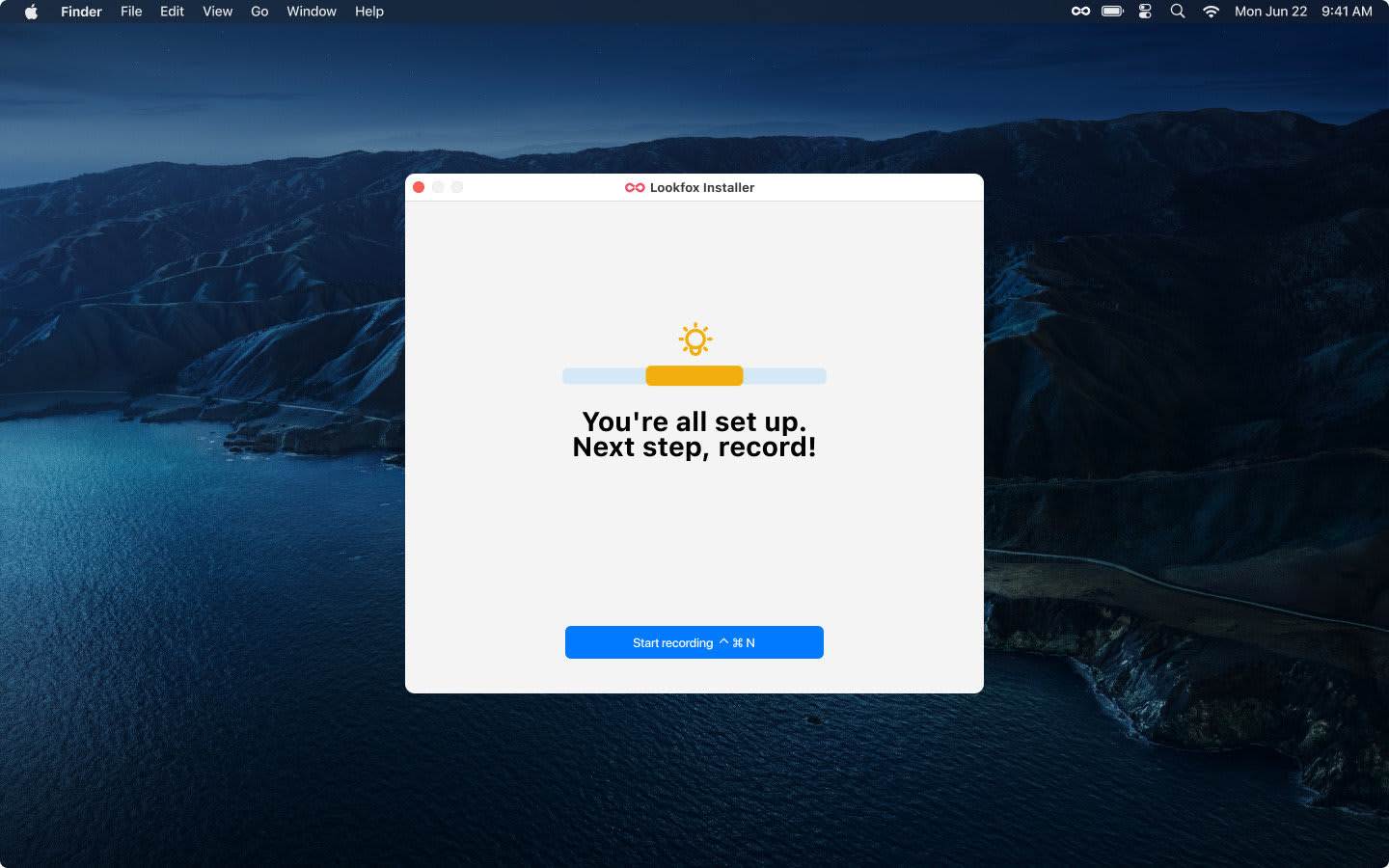
Ready to capture
The full flow
From first sign-in to a saved insight in seven steps.
Select any screen to zoom in.
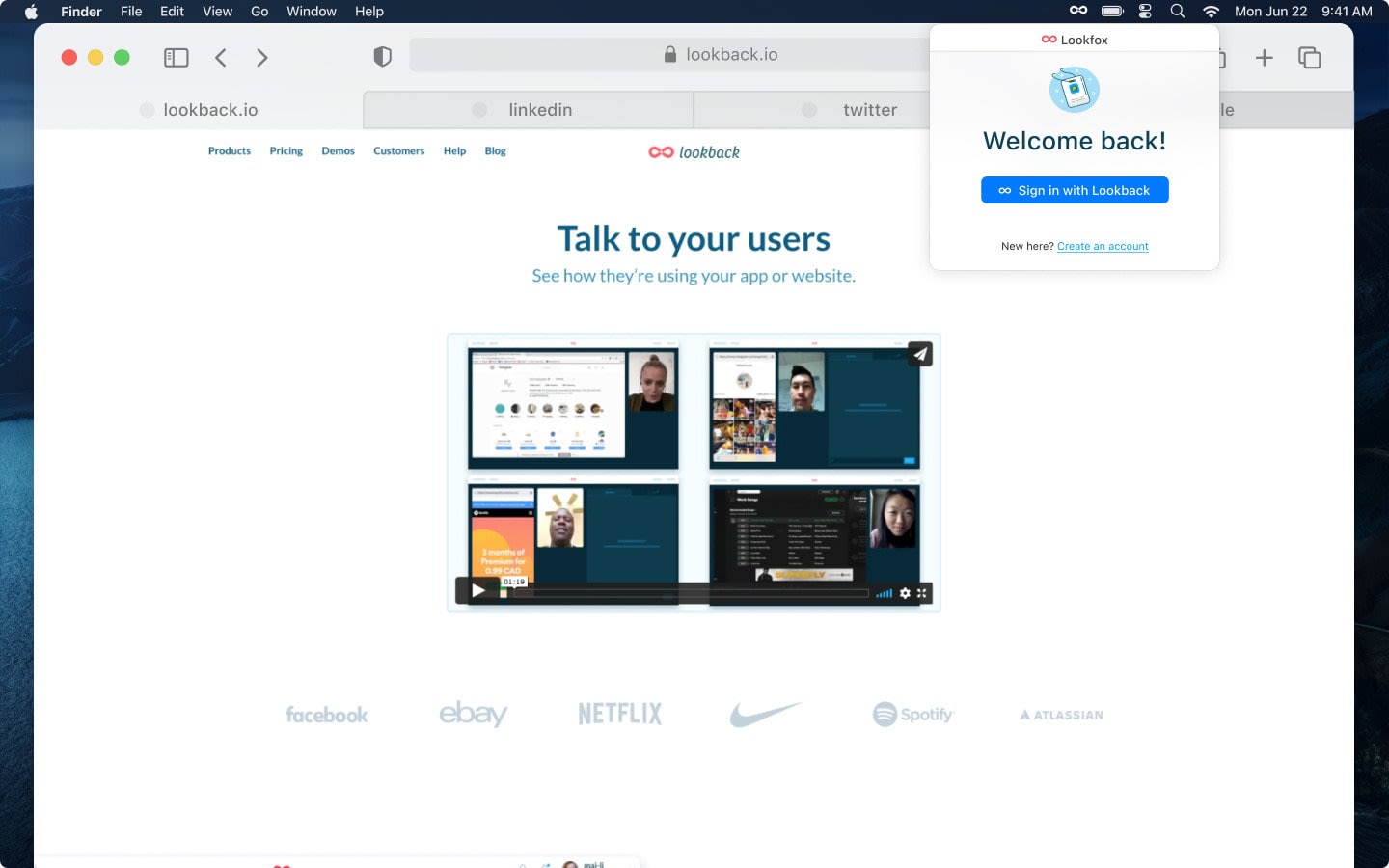
Sign in with a Lookback account Open Lookfox from the menu bar 
Choose to record part of the screen Drag to select the area Record the moment Name it and send it to Lookback Find it again in the library
Key lesson
The difference between designing for the web and composing for an operating system.
This sprint was a crash course in native app design. Respecting the HIG, and working with my engineering partner’s deep platform knowledge, wasn’t a constraint. It was how we built something that felt native.
It also confirmed that a working prototype is the strongest way to communicate. It answered leadership’s questions with running code and let them make a fast, confident call.
The prototype answered the question it was built to answer.